The 27-Tab Problem
The 27-Tab Problem: How AI Can Reduce Cognitive Overload in Nonprofit Teams
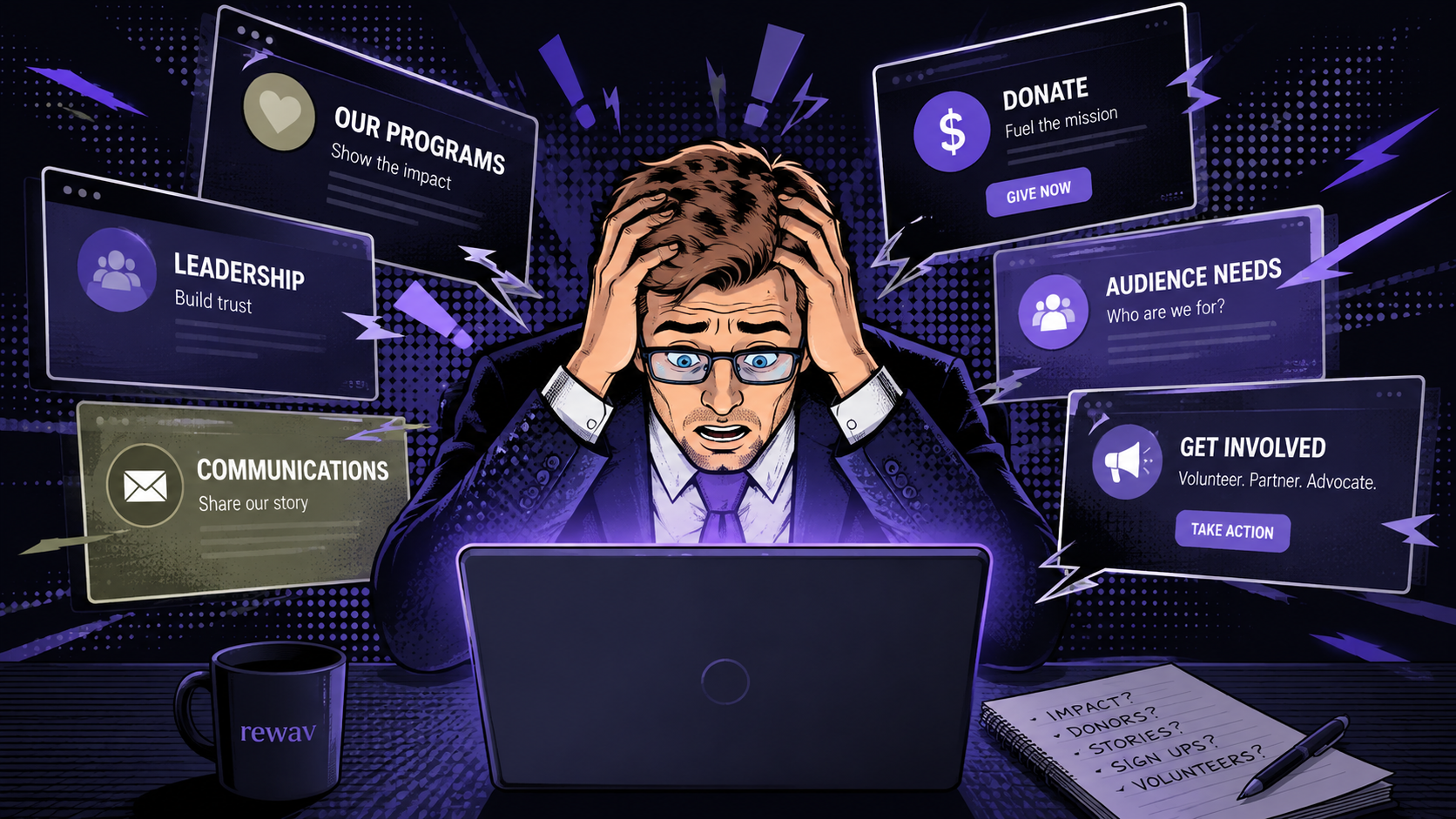
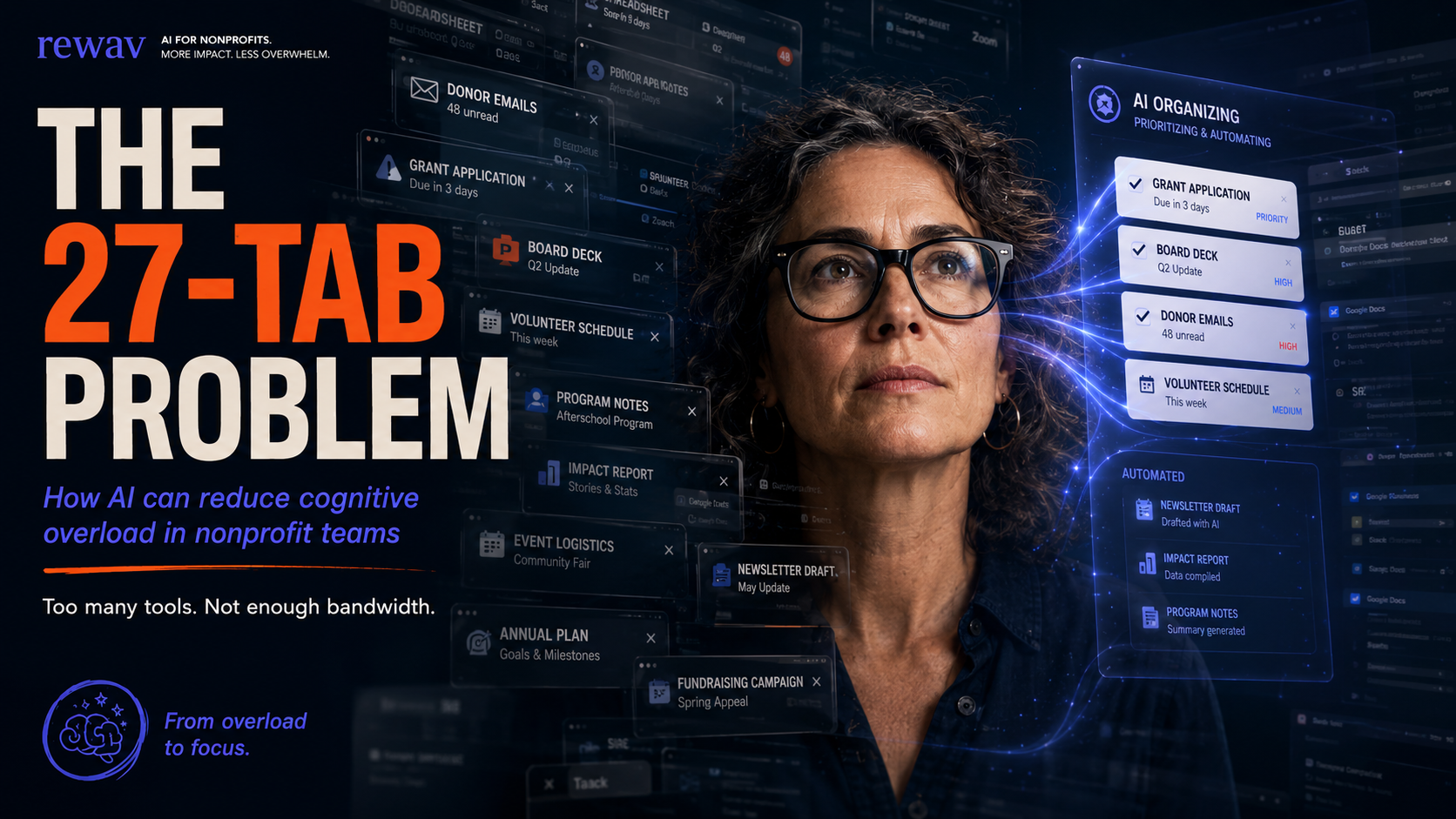
A crowded browser window can tell you a surprising amount about how an organization operates. When a nonprofit employee has a grant application, three spreadsheets, a CRM, donor emails, program notes, a board deck, and a design tool open at the same time, the issue is rarely poor organization. More often, it is a sign that one role has absorbed the responsibilities of several functions.
The hidden cost of constant switching
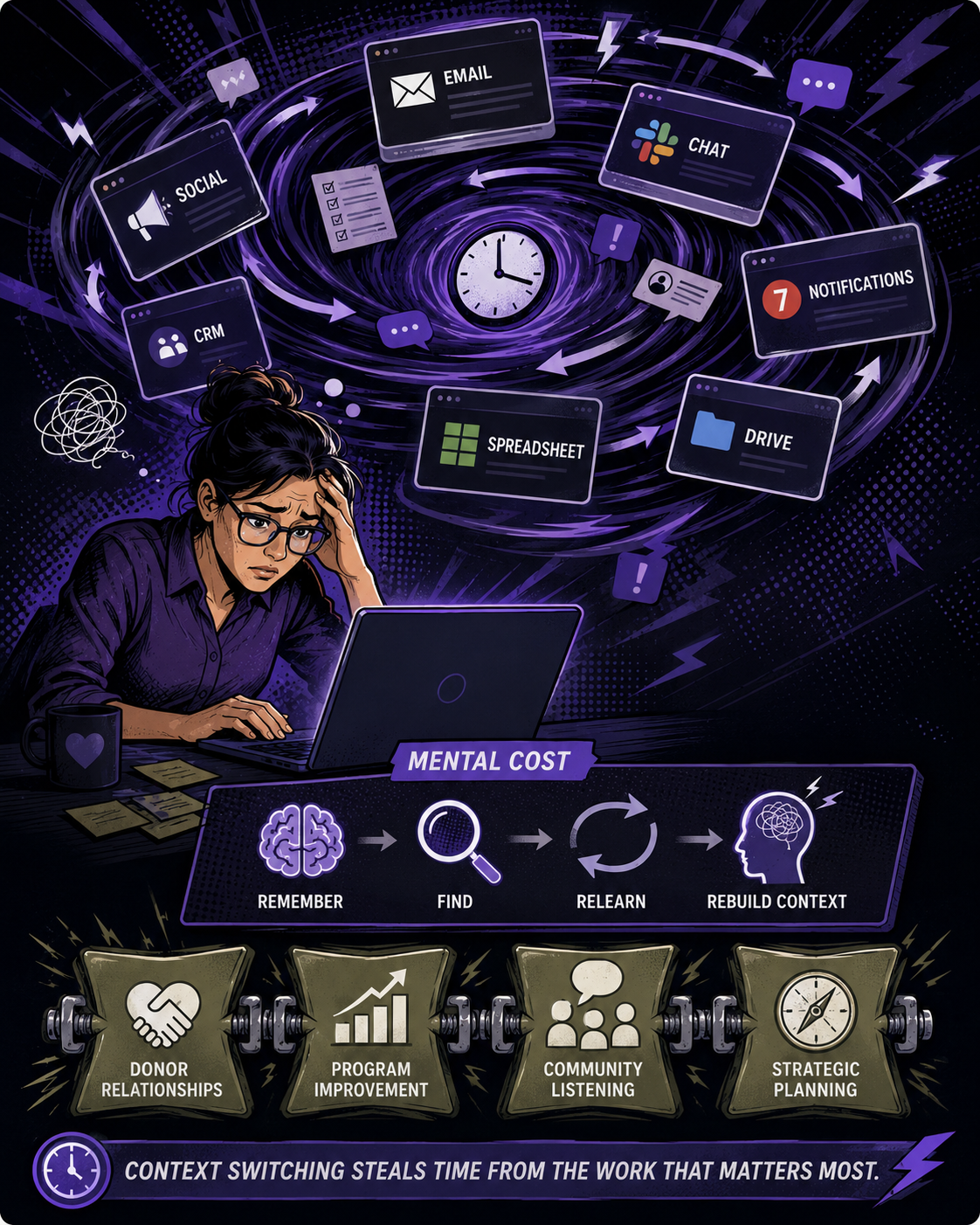
Every switch between tools carries a small mental cost. A staff member has to remember what they were doing, locate the right information, understand a different interface, and reconstruct the context of the task. Multiplied across a day, this creates fatigue and makes thoughtful work harder. For nonprofit teams, the consequence is not only slower administration. It can mean less time for donor relationships, program improvement, community listening, and strategic planning.
Where AI can actually help
AI is useful when it reduces the coordination layer around a person’s work. It can summarize meeting notes, extract action items, compare versions of documents, turn structured data into a first-draft narrative, or retrieve approved language from an internal knowledge base. These are not replacements for judgment. They are ways to reduce the amount of time a skilled employee spends moving information from one place to another.
Start by mapping the tabs
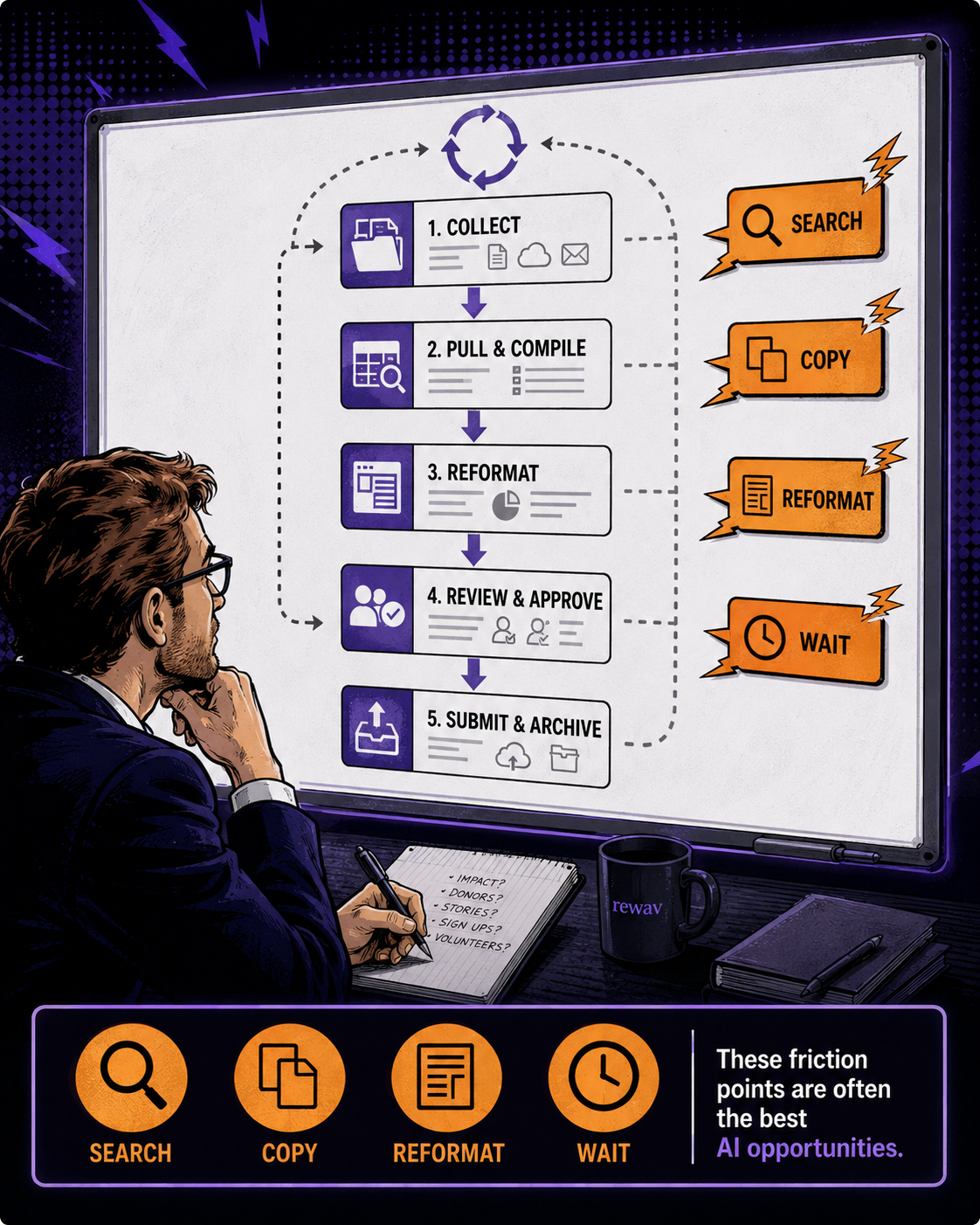
Before selecting a tool, ask a small group of employees to document the applications, files, and information sources they touch during one recurring process. Choose something concrete, such as preparing a monthly program report or creating a grant update. Mark where people repeatedly search, copy, reformat, or wait for information. Those points are often better AI opportunities than a broad request to “use AI more.”
A practical first pilot
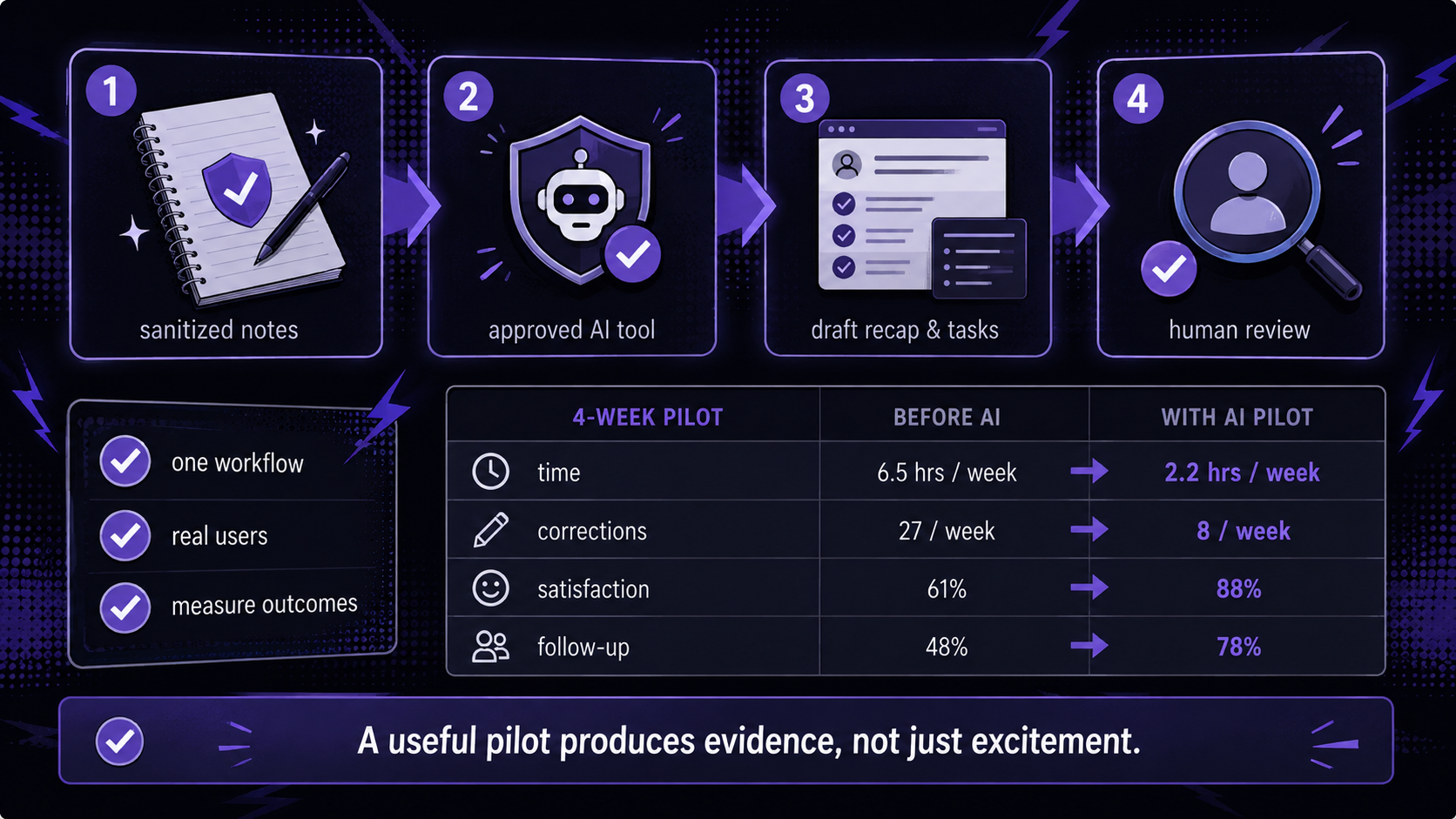
Pick one workflow with low sensitivity and a clear human reviewer. For example, use an approved AI tool to turn sanitized meeting notes into a draft recap and task list. Compare the old and new process for four weeks. Track time saved, corrections required, staff satisfaction, and whether follow-up happens faster. A useful pilot produces evidence, not just excitement.
Protect the people and the mission
Do not paste donor records, client histories, health information, or confidential program data into an unapproved public tool. Define what information is prohibited, require human review, and involve the staff who do the work in the design of the workflow. The goal is not to make employees move faster at any cost. It is to remove unnecessary friction while preserving trust and accountability.
What nonprofit leaders can do next
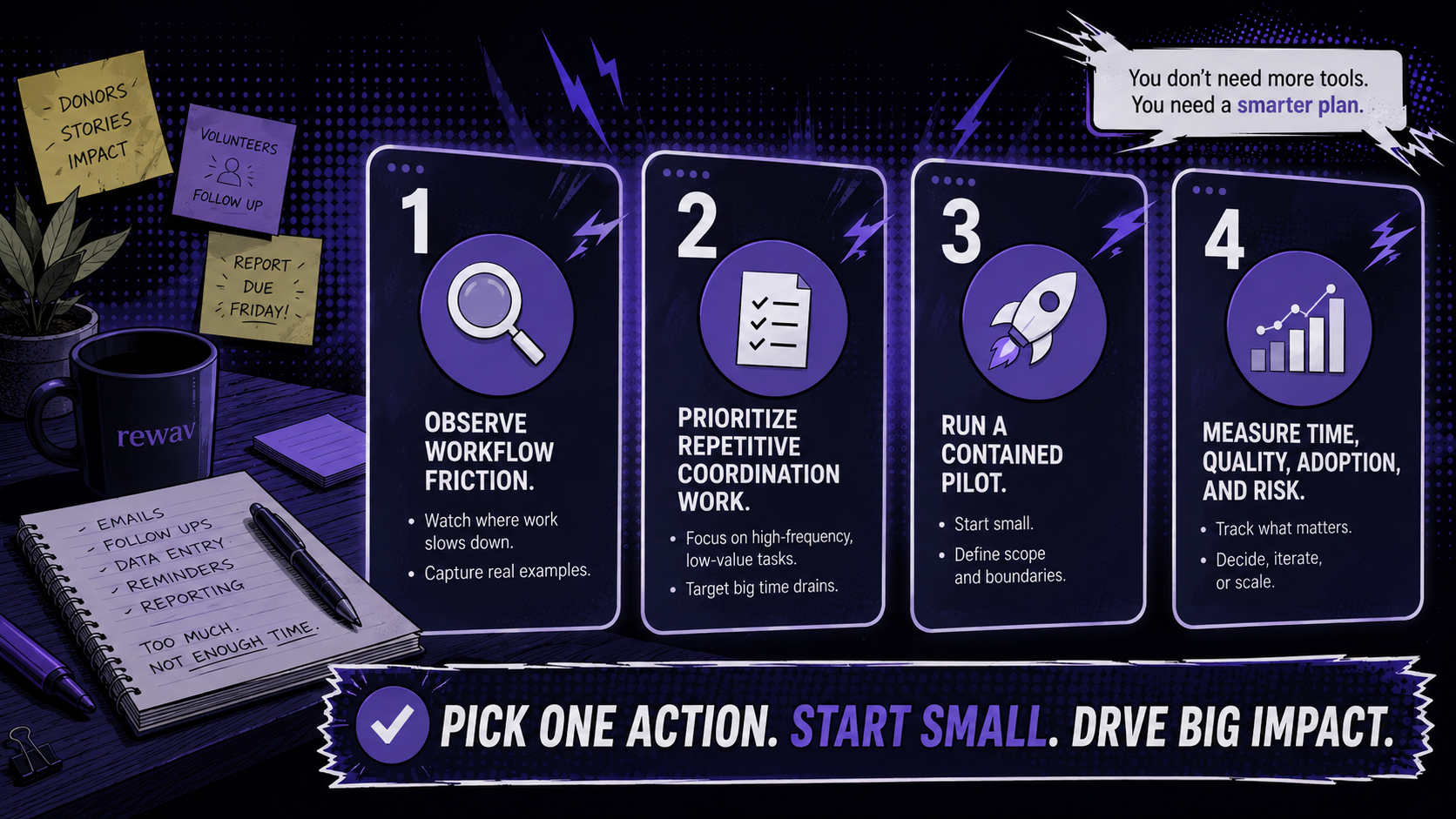
- Observe workflow friction before buying tools.
- Prioritize repetitive coordination work over mission-critical judgment.
- Run a contained pilot with a named human reviewer.
- Measure time, quality, adoption, and risk — not output volume alone.
Which part of your team’s day creates the most unnecessary switching? That is often the best place to begin an AI readiness conversation.